
Before you can issue refunds from within PayPress, you’ll need to enable the refund feature. Go to PayPress → Settings, enable Allow administrators to issue refunds from individual Order Details pages, and click Save Settings.
Next, navigate to PayPress → Orders, click the ⋮ (three dots) menu for the order you want to refund, and select Order Details.
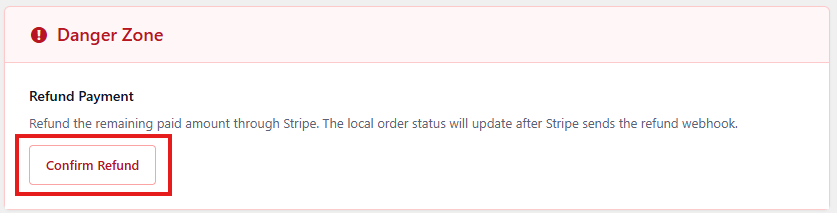
Scroll to the bottom of the page to the Danger Zone section and click Refund Payment. PayPress will securely process the refund through Stripe.
At this time, PayPress supports full refunds only. If you need to issue a partial refund, you’ll need to log in to your Stripe Dashboard and process the refund there.
Any partial refunds issued directly through Stripe will automatically sync back to PayPress, and the order status will be updated to
Partially Refunded.Support for issuing partial refunds directly from within PayPress is planned for a future release after the beta period.